
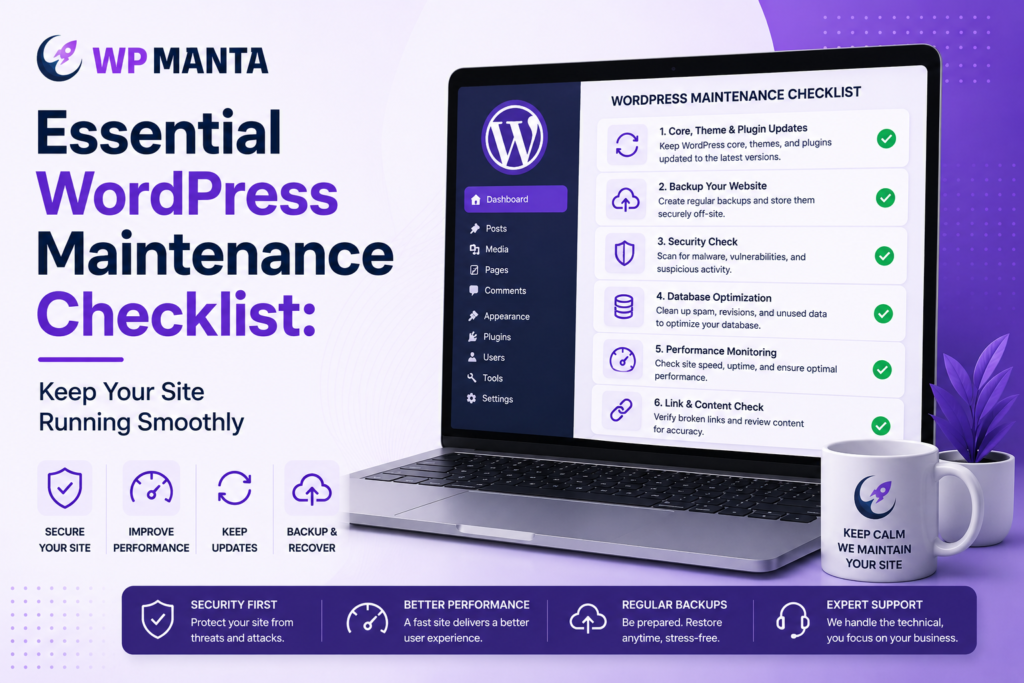
WordPress is a popular platform for building websites, but it also has its drawbacks, such as being a common target for security breaches and having a large number of plugins and themes that need to be updated to ensure they all work together. A neglected site does not typically collapse in one fell swoop. It gradually slows down, gets clogged with old plugins, and gradually becomes more and more susceptible to a single event, such as a hack, a broken update, or extended downtime, which becomes a costly and disruptive issue.
Fortunately, many of these problems can be avoided if a regular maintenance schedule is followed. This checklist includes the essential activities that all WordPress site owners should monitor, and a brief explanation of why agencies are increasingly outsourcing this work to white label WordPress support instead of doing it in-house.
1. Keep Core, Themes, and Plugins Updated
WordPress core updates, theme and plugin updates, patch known security vulnerabilities and fix compatibility issues. One of the most frequent methods of getting sites hacked is to not update them in time, as attackers are constantly looking for software that has known exploits.
Updates should not be applied blindly, however. Sometimes a plugin update can cause issues with a theme or another plugin, so it’s always a good idea to test on a staging site before making changes live, especially for e-commerce sites or any site where downtime has a direct revenue impact.
2. Run Automated, Off-Site Backups
Full-site backups (files and database) stored on a different server than the live site is a component of a backup strategy. An on-server backup can be compromised if the hosting environment is compromised.
Most active sites are backed up daily, and for sites that are constantly updating content, like ecommerce stores or high-traffic publishers, more frequent backups are recommended. It’s as crucial to make backups as it is to test them to ensure they restore properly – otherwise, a failed backup during an emergency is no backup at all.
3. Track Uptime and Respond to Downtime promptly
Uptime monitoring tools will test a site periodically and alert you when it goes down. If this is not in place, a site can be down for hours without anyone knowing, particularly at night. Downtime on a business website can lead to lost leads, abandoned shopping carts, or a poor first impression for new visitors.
4. Scan for Malware and Security Vulnerabilities
Malware scanning on a regular basis checks for malicious software, unauthorized file changes or suspicious admin activity before it becomes a bigger breach. This should be used in conjunction with basic security hardening: strong password policies, limited login attempts, two factor authentication for admin accounts, and a web application firewall to block malicious traffic from reaching the site.
5. Optimize Site Performance
Page speed impacts user experience and search engine rankings. A maintenance routine should involve regular monitoring of load times, optimizing images, configuring the cache and cleaning up the database from spam comments, post revisions, and other data that can slow queries over time. For geographically dispersed audiences, a content delivery network (CDN) is also a good option to consider.
6. Analyze and Fix Broken Links and Redirects
Internal broken links and outdated redirects can negatively impact user experience and SEO over time. A periodic link audit, especially after site restructuring, URL changes or content removal, can help identify these problems before they build up.
7. Check Analytics and Error Logs
Site error logs and analytics can show issues before they are even noticed by visitors: If there are a lot of 404 errors, a sudden drop in traffic, or repeated failed login attempts, there may be a problem that needs to be investigated. This data should be reviewed periodically, not just when something appears broken, to identify problems at an early stage.
8. Test Forms, Checkouts and Key Functionality
Contact forms, checkout processes, and other interactive features may fail to work without warning even if everything else on the site is working. These features should be tested end-to-end, not just to confirm that the page loads, from time to time to identify problems that automated monitoring tools may not detect.
9. Ensure SSL Certificates and Domain Details are Maintained
It is important to renew SSL certificates before they expire and to ensure that domain registration information is kept up to date to prevent inadvertent lapses. Many hosts now automatically renew SSL, but it is important to check this periodically, as you can’t just assume it is done.
10. Document Everything
Having a maintenance log that documents the updates that have been made, when the backups have been tested, and what problems have been solved makes it easier to know who is responsible for the maintenance and makes it much easier to identify problems if they do occur. This is particularly useful for agencies that have several client sites, as institutional knowledge of the history of a particular site may only exist in one person’s mind.
Why Many Agencies Outsource This Work
This checklist can be easily maintained for one site with a monthly calendar reminder and a few hours per month. The numbers are different for agencies with dozens or hundreds of client websites. When you multiply 10 maintenance tasks by a large client base, it becomes a significant recurring workload, and it’s a workload that directly competes with the design and development work that brings in revenue for the agency.
This is the main reason why white label WordPress maintenance is a common practice in many agencies. A specialized maintenance company is responsible for the technical aspects of the maintenance (updates, backups, monitoring, security, performance, etc.) and the agency bills and communicates with the client under its own brand, under a white label agreement. The client experience stays the same; the agency just doesn’t need to hire and maintain the function in-house.
A white label WordPress support plan usually covers more than just routine maintenance, and it can also involve emergency response, such as restoring a hacked site or troubleshooting a broken update, which can be a time-consuming and attention-grabbing process if it falls on an agency’s limited staff. The question of whether to build it in-house or outsource to a wordpress maintenance white label service typically comes down to scale: once the client base is large enough that maintenance work starts to take a significant bite out of billable hours, it becomes more cost effective to outsource to a wordpress maintenance white label service.
Creating a Sustainable Routine
The key is that consistency is more important than intensity, whether it’s done in-house or with a white label partner. A site that is given moderate, consistent care does not tend to build up the same kind of escalating issues that become crises. A site that is only checked when something visibly breaks will build up risk in the background until it breaks. The key to a site that remains reliable for years is to treat this checklist as a schedule and not a one-time cleanup.